Your week sorts itself out.

With your courses and tests in the app, the plan spreads the material across the days you picked, starts the heaviest topics early and rearranges everything when a day doesn't go to plan.

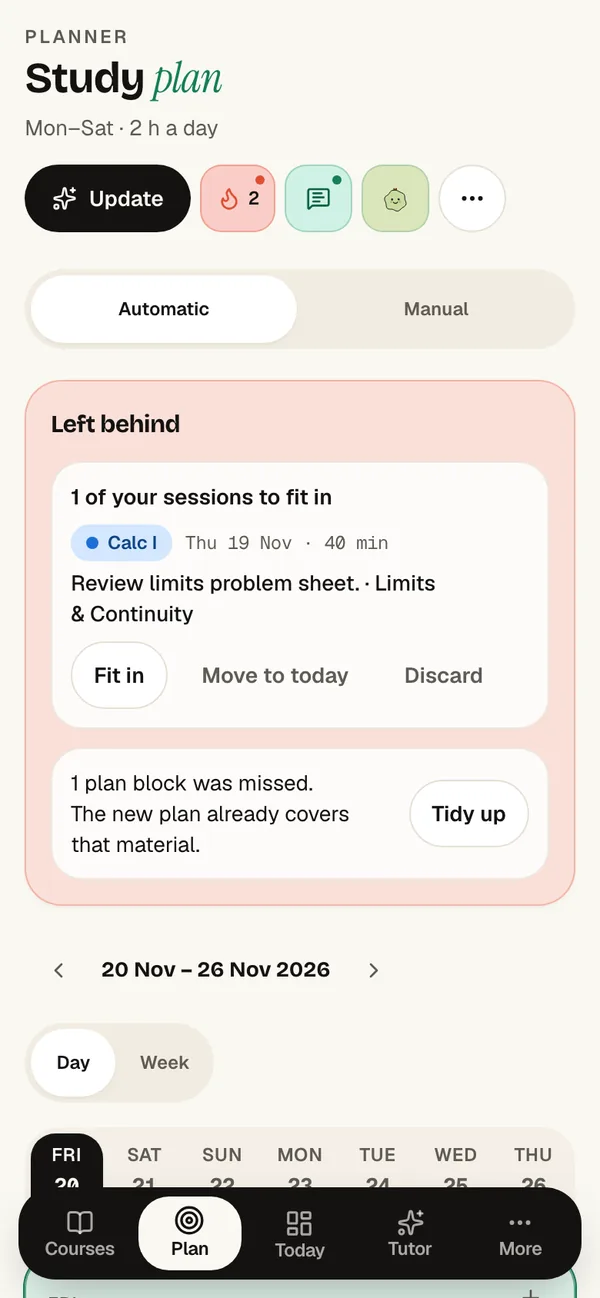
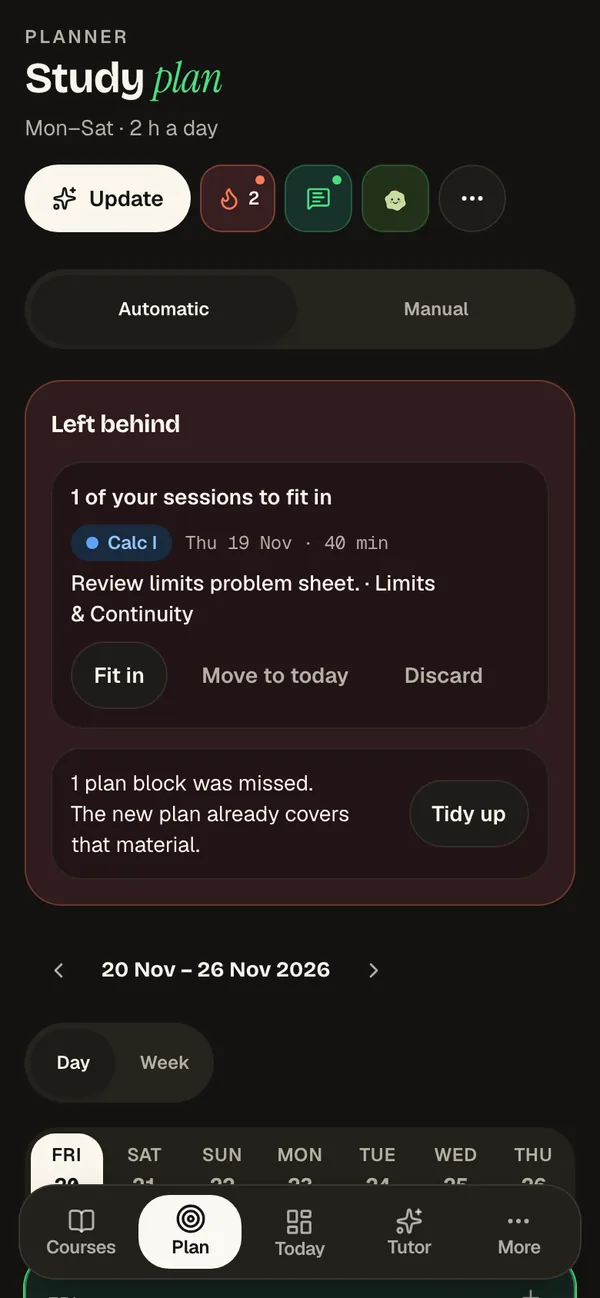
Study plan screen, with blocks left behind and automatic and manual modes

01

Built around your tests

You choose the days and hours per day; the plan does the rest. Each day shows the time, course, topic and minutes of every block.

  • Day and week views
  • Your own rhythm, for example Monday to Saturday, 2 h a day
  • «Update» rebuilds the plan whenever you like
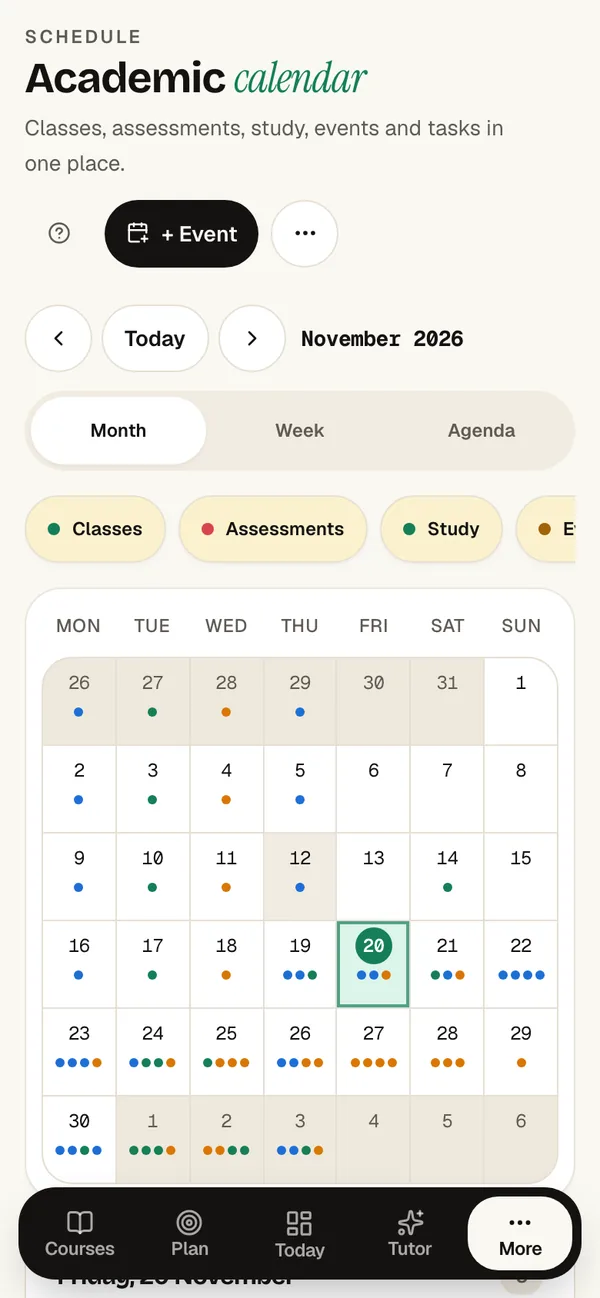
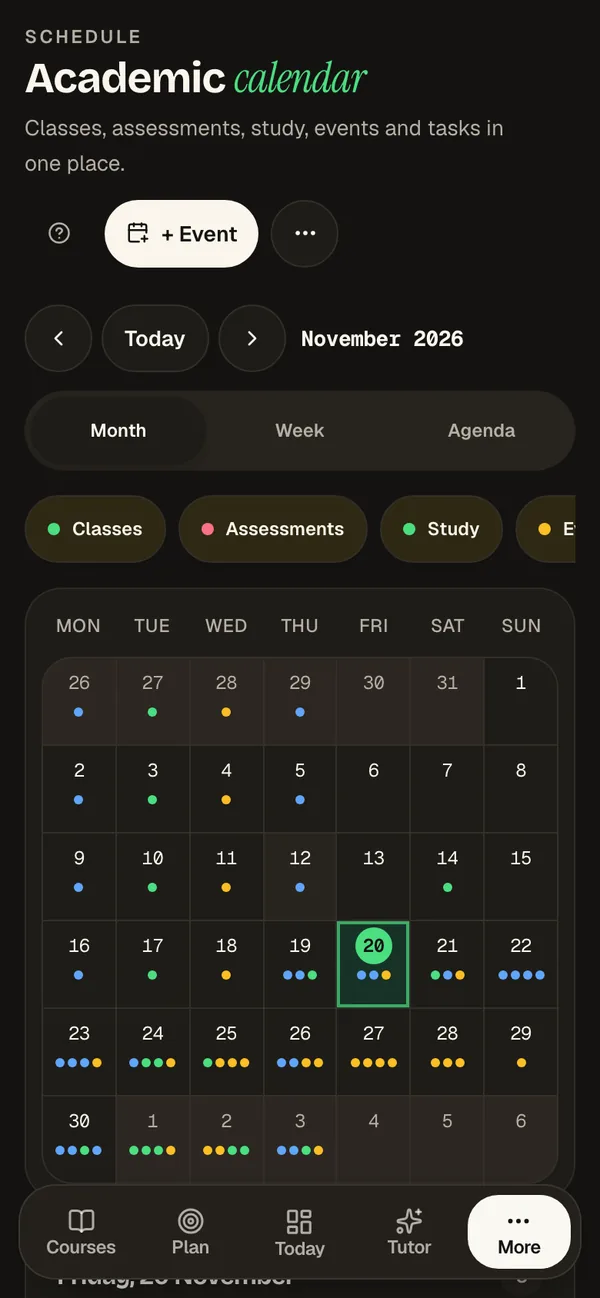
Academic calendar with classes, assessments and study

02

What slipped fits back in

A block you didn't do shows up under «Left behind». You choose: fit it in another day, move it to today or discard it.

  • No overdue counters, no punishment
  • The new plan already counts what was left undone
  • «Plan updated · Undo» whenever it changes
Study plan screen, with blocks left behind and automatic and manual modes

03

Today shows only what matters now

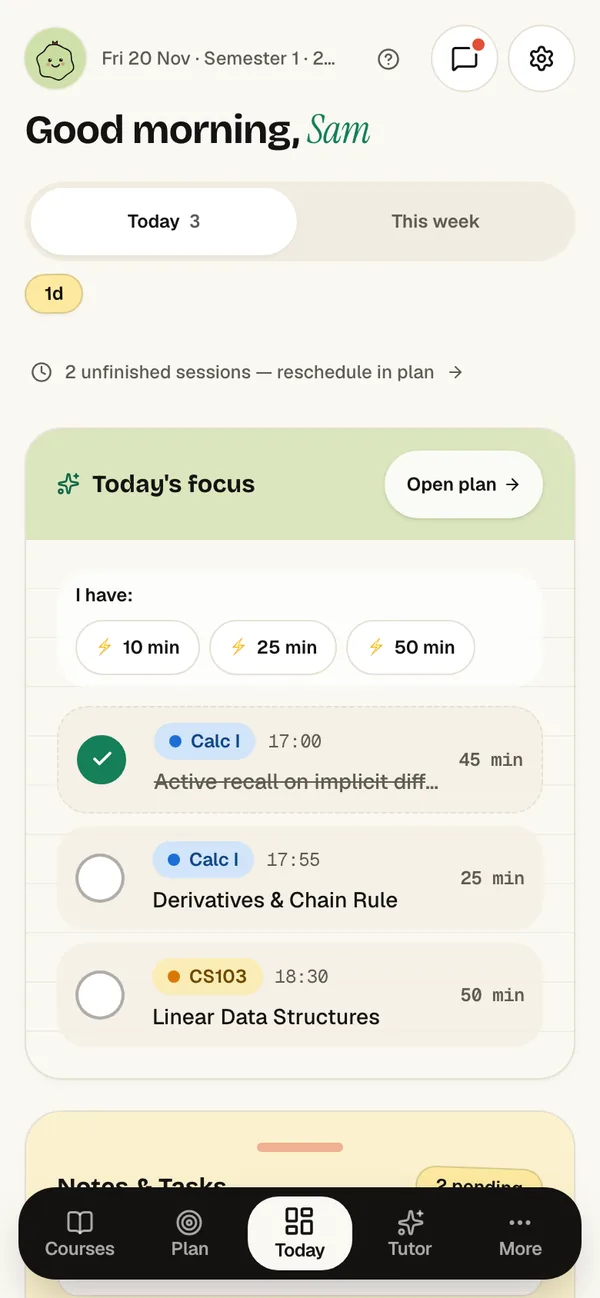
The Today screen shows the day's focus. If you only have a little time, «I have 10, 25 or 50 min» gives you the block that fits.

  • Mark blocks as done with one tap
  • Notes and tasks on the same screen
  • Today's agenda and upcoming tests
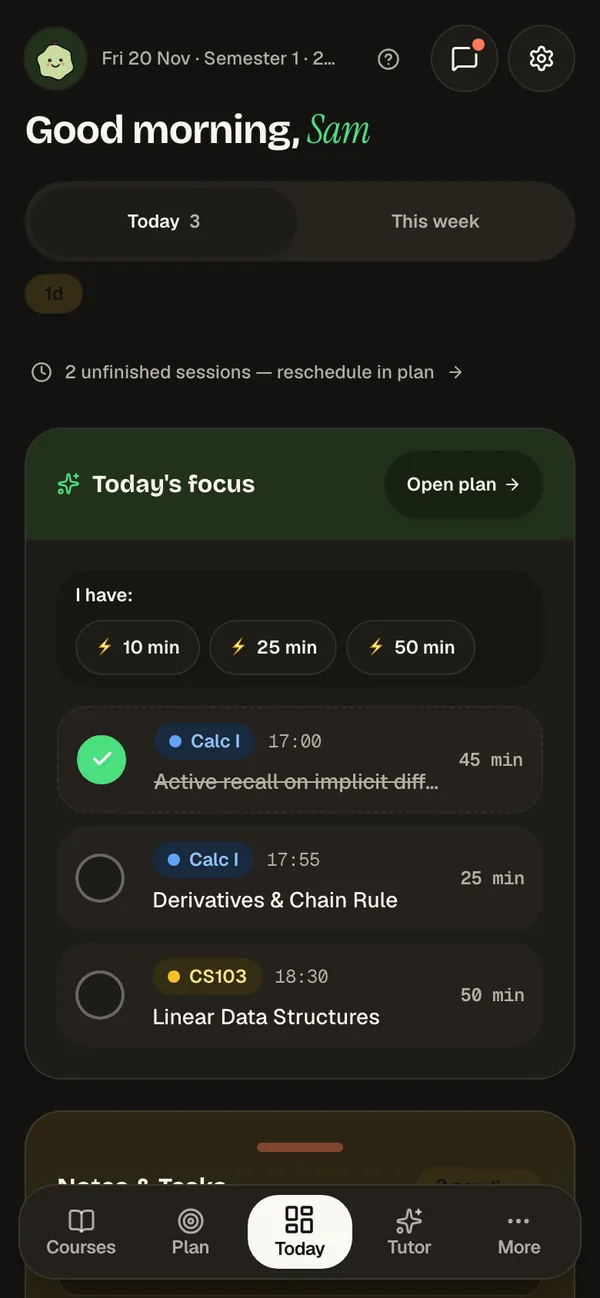
Unipedia's Today screen, with today's focus and study blocks

04

Focus with a shield, when you want it

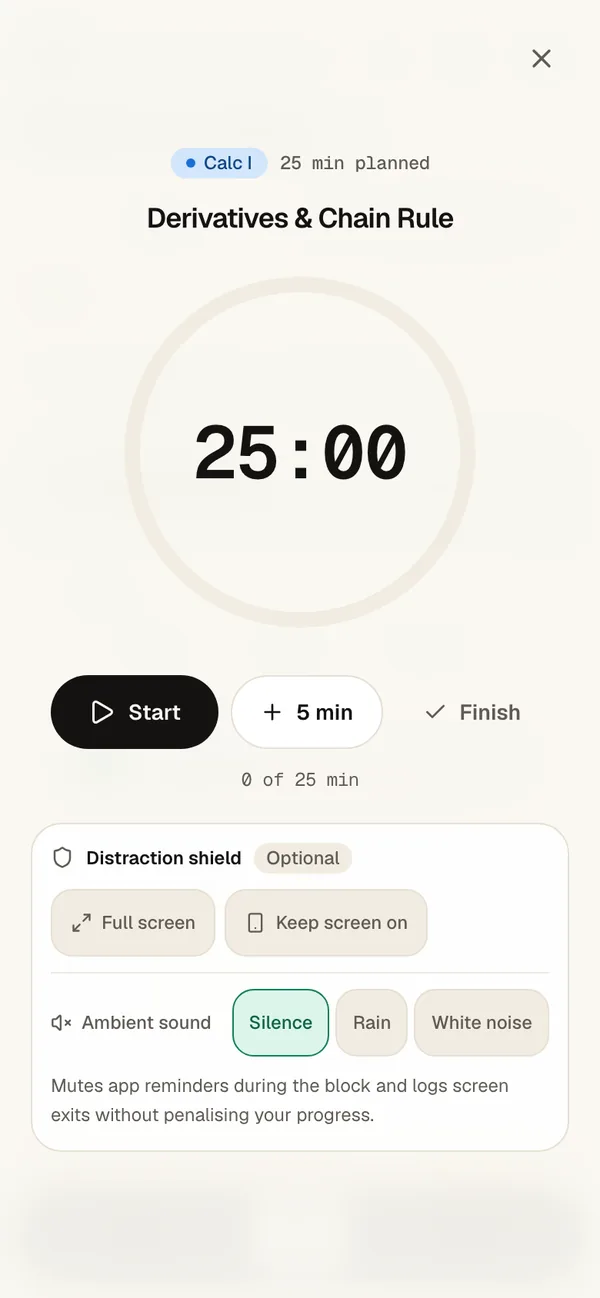
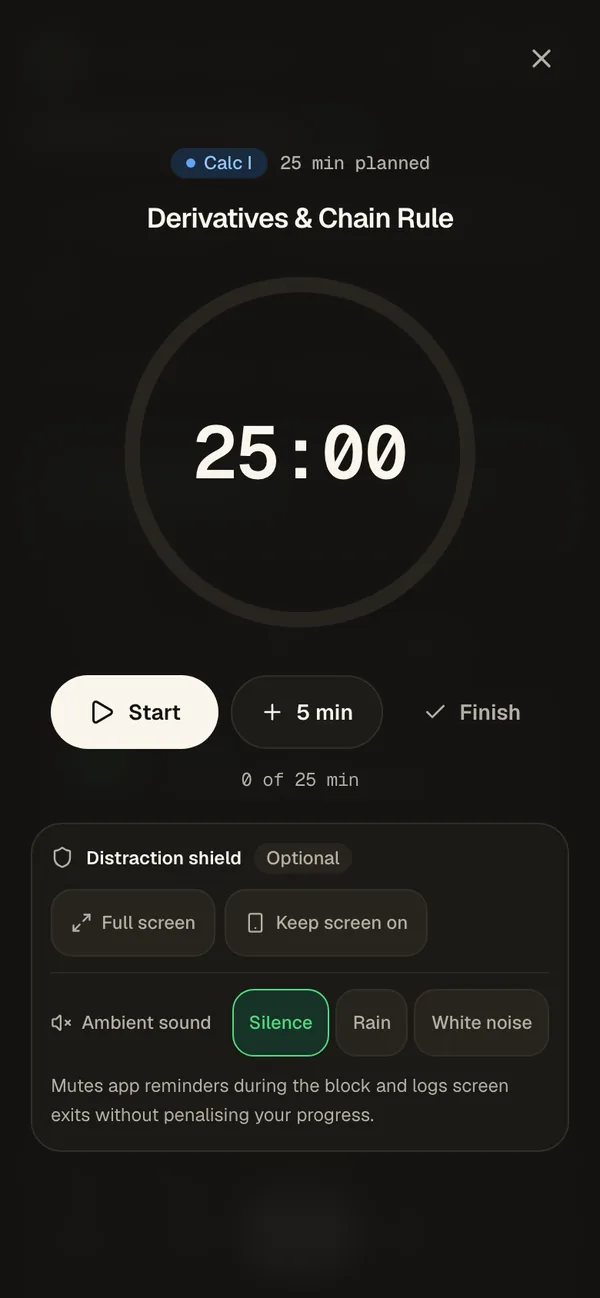
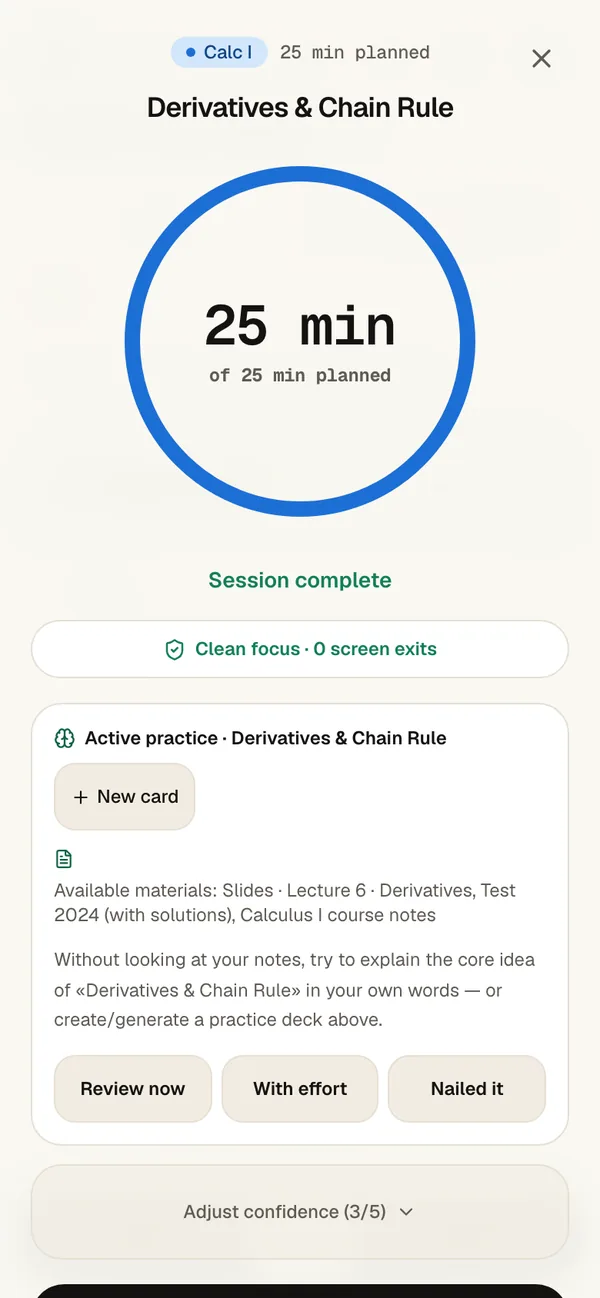
Each block opens a timer with an optional distraction shield and ambient sound. If you finish early, your real minutes are kept and the rest goes back into the plan.

  • Full screen and keep screen on
  • Silence, rain or white noise
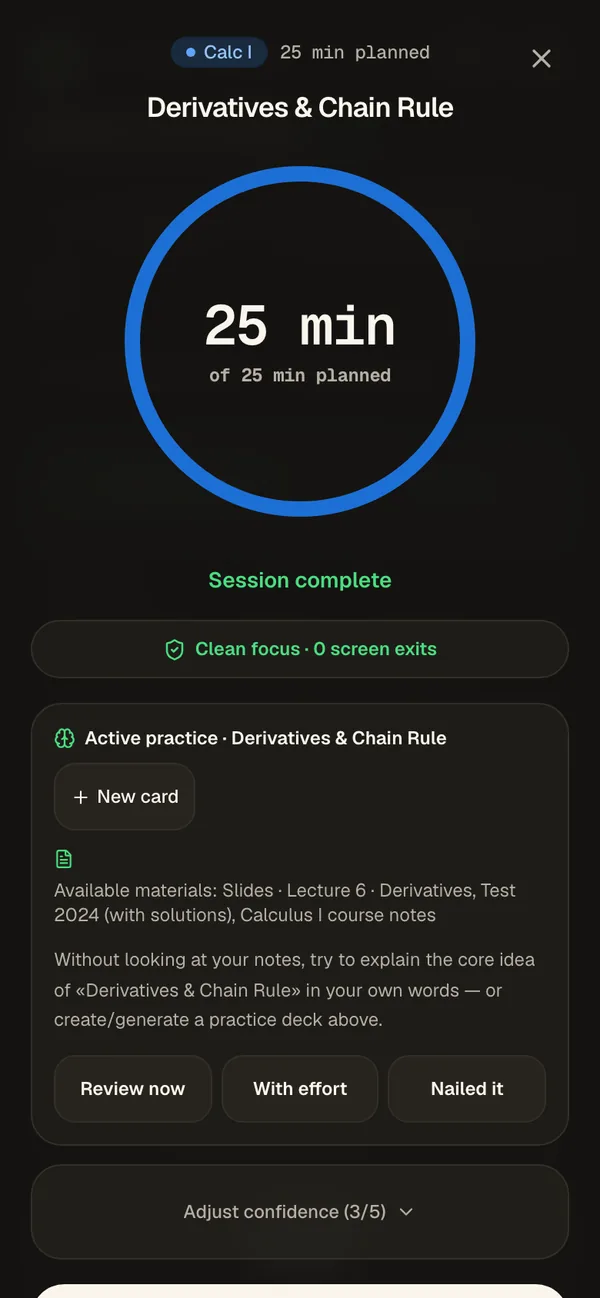
  • At the end, practice on the block's topic
Focus timer with distraction shield and ambient sound
End of a focus block: active practice with «Review soon», «With effort» and «Mastered»

How to use it

  1. 1

    Add courses and tests

    From photos of your timetable and dates, in «Get started».

  2. 2

    Pick your rhythm

    Days and hours per day, in Automatic or Manual.

  3. 3

    Open Today

    And start with the first block.

Questions

Questions about Plan

What if I don't know my test dates yet?

The plan starts with balanced study across your courses and reorganises itself once you add the dates.

Can I move blocks by hand?

Yes. In manual mode your blocks stay as you left them; in automatic mode every change shows «Plan updated · Undo».

What happens if I miss a day?

That day's blocks appear under «Left behind». You fit them in, move them to today or discard them; nothing counts against you.

Your next test can be calm.

Open Unipedia, add your courses and let the plan do the work.

Open Unipedia