1Get started
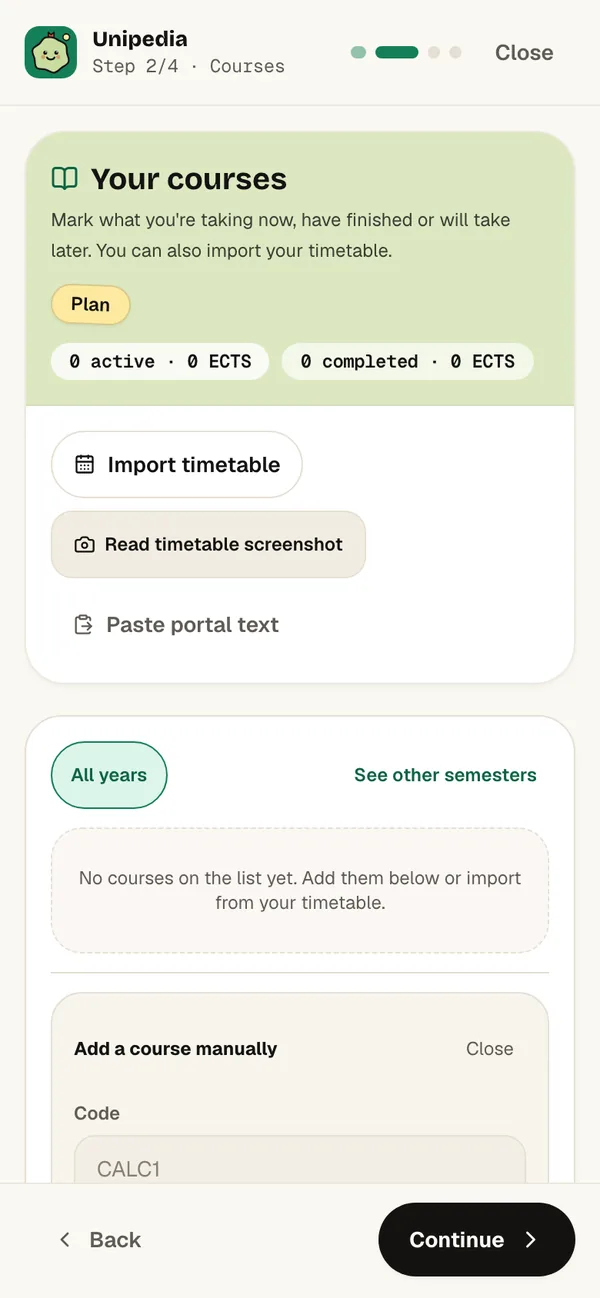
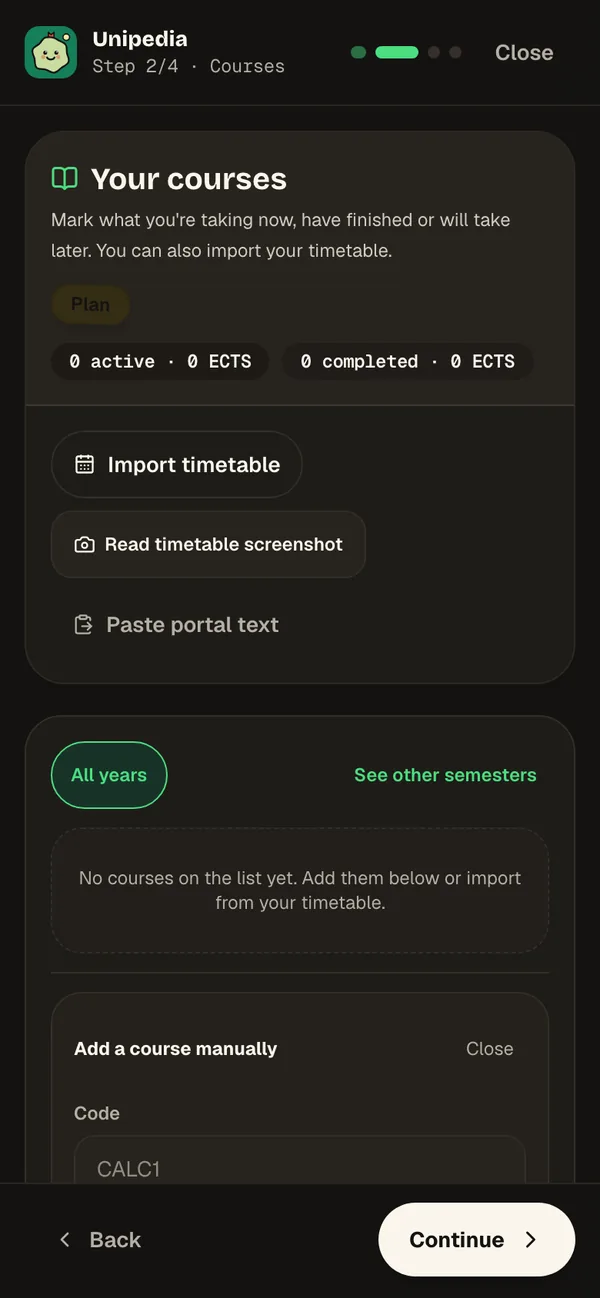
One photo of your timetable and your courses appear
Take a screenshot of your timetable and Uni recognises your courses, classes and assessments. Another photo of your test dates and the semester is set up.
Learn more: Get startedStudy companion · Secondary school and university
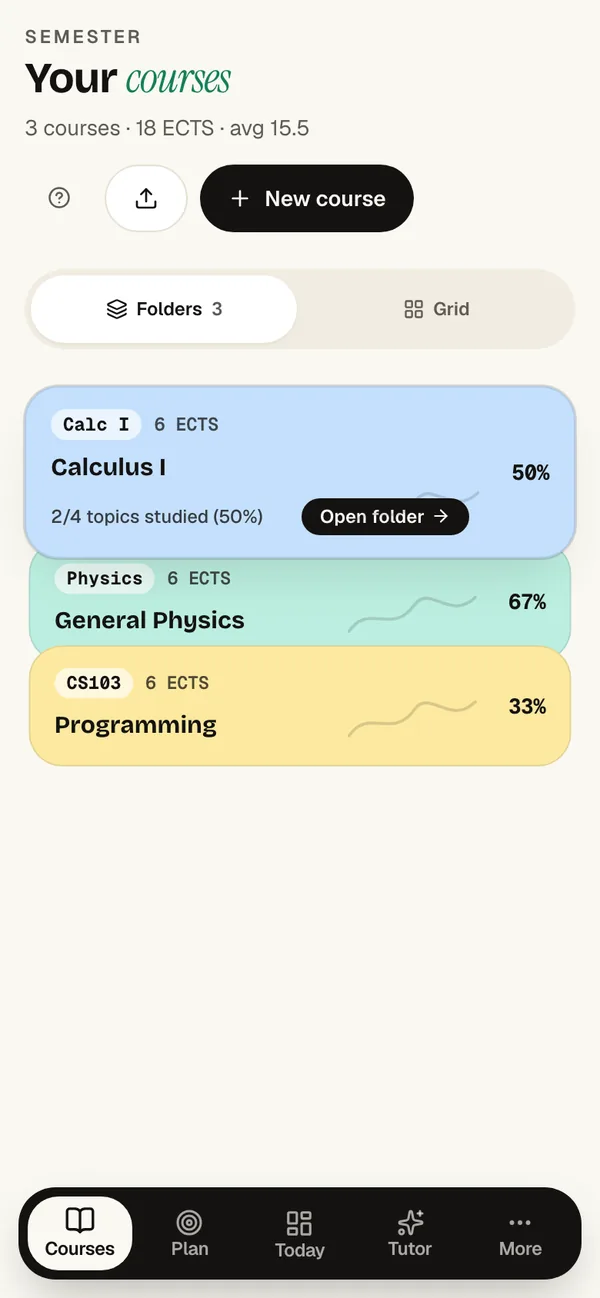
Unipedia knows your courses, your tests and your notes. Open the app and one thing is waiting: the right block, with the reason why. Finish the block and you know what stuck.
No account needed · works offline
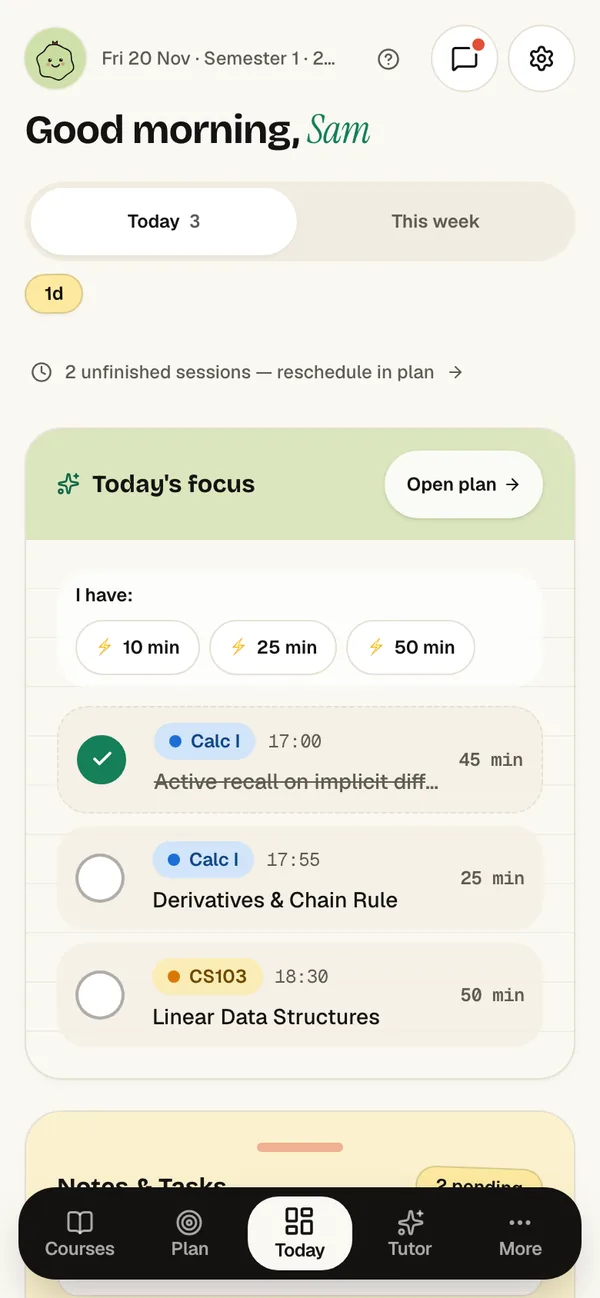
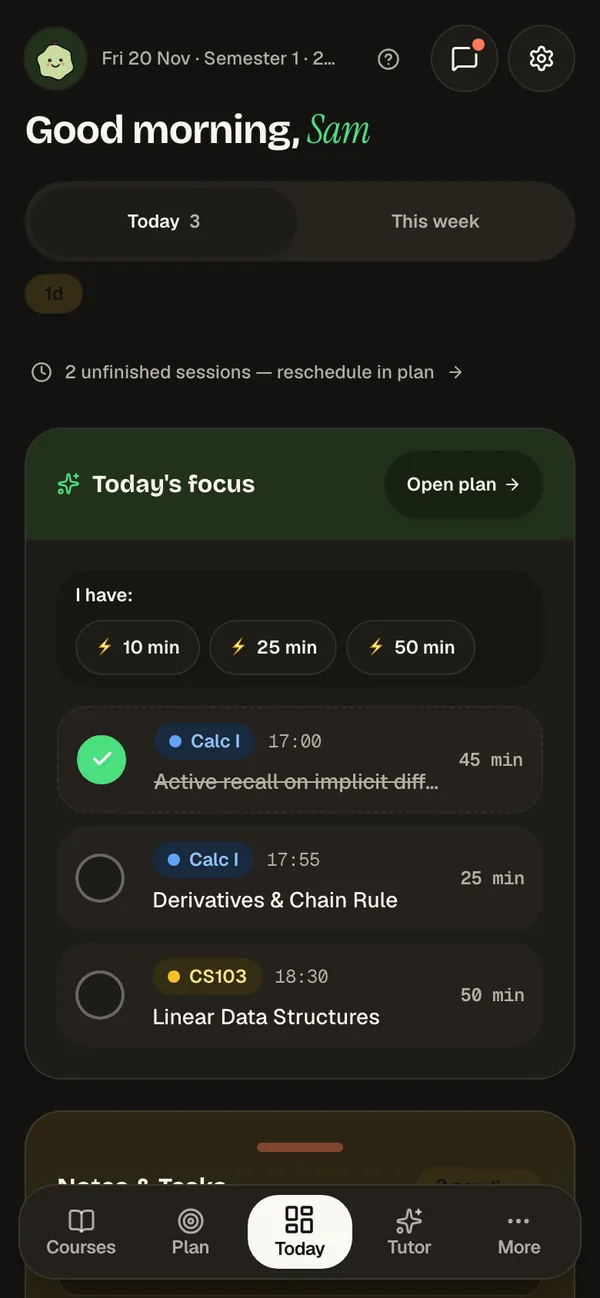
Open the app and one thing is waiting: today's focus, with the right blocks.
Open the app and know what to study now.
Finish the block and know what stuck.
Walk into the test with no surprises.
How it works
One photo to get started, a plan that sorts itself out, your materials in one place and a Uni for every course.
1Get started
Take a screenshot of your timetable and Uni recognises your courses, classes and assessments. Another photo of your test dates and the semester is set up.
Learn more: Get started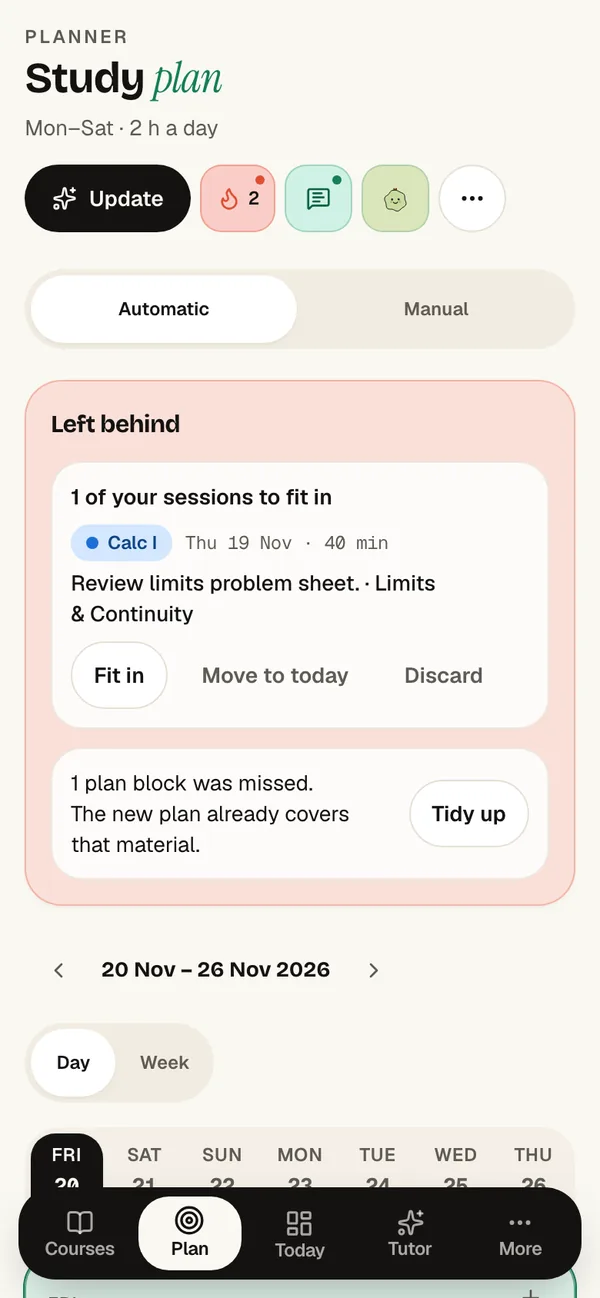
2Plan
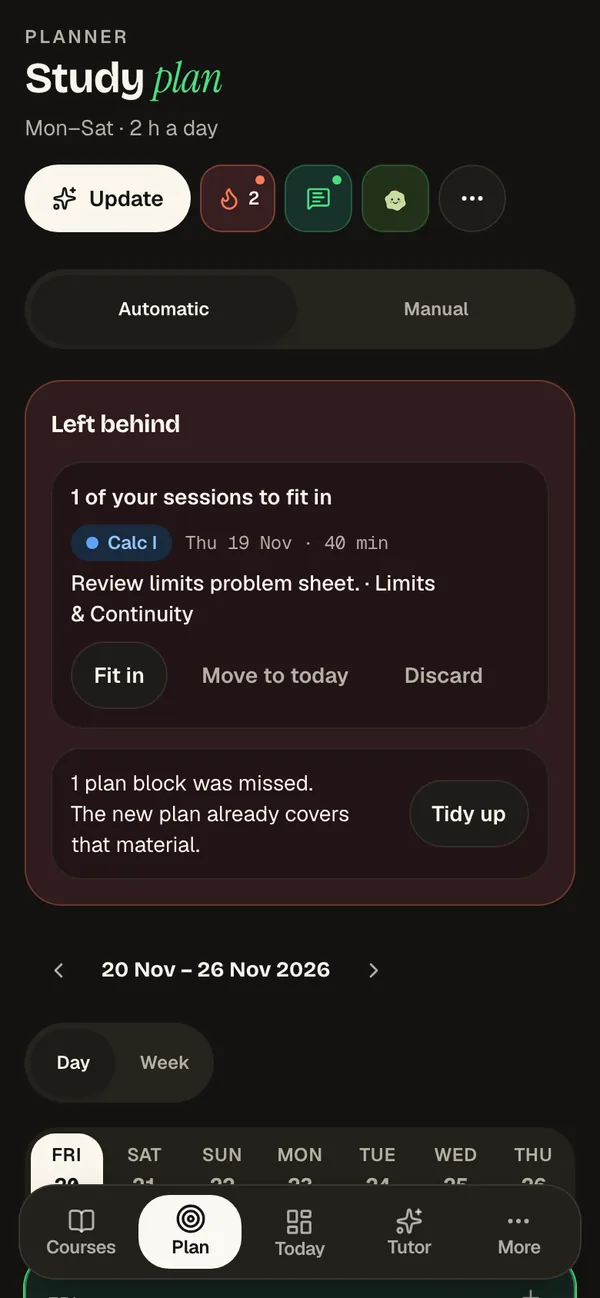
Blocks spread across the week based on the dates and weight of each assessment. If a day doesn't happen, what slipped fits back in.
Learn more: Plan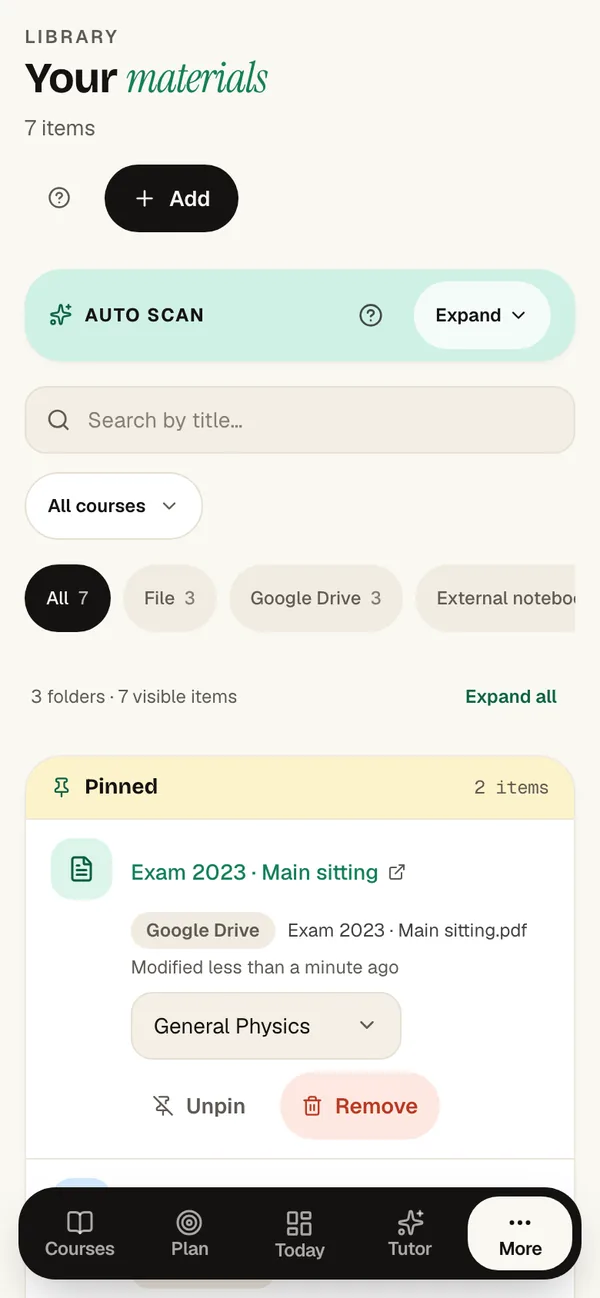
3Materials
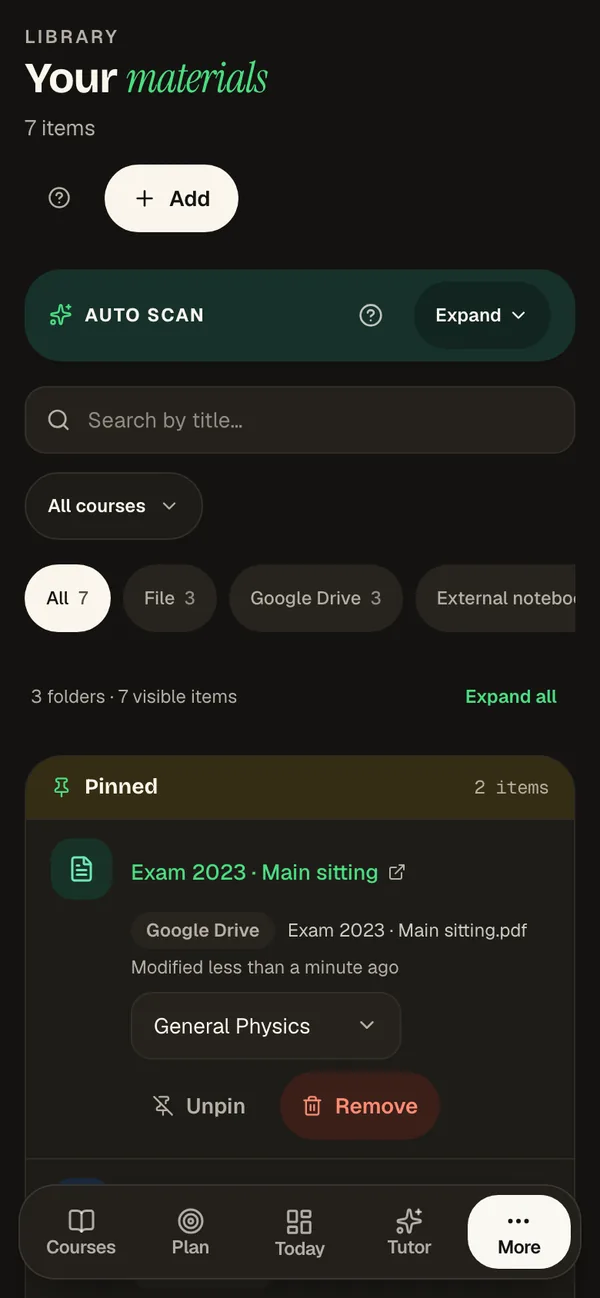
Connect Google Drive, your course's shared folders or folders on your computer. The app sorts everything by course and Uni uses it to answer.
Learn more: Materials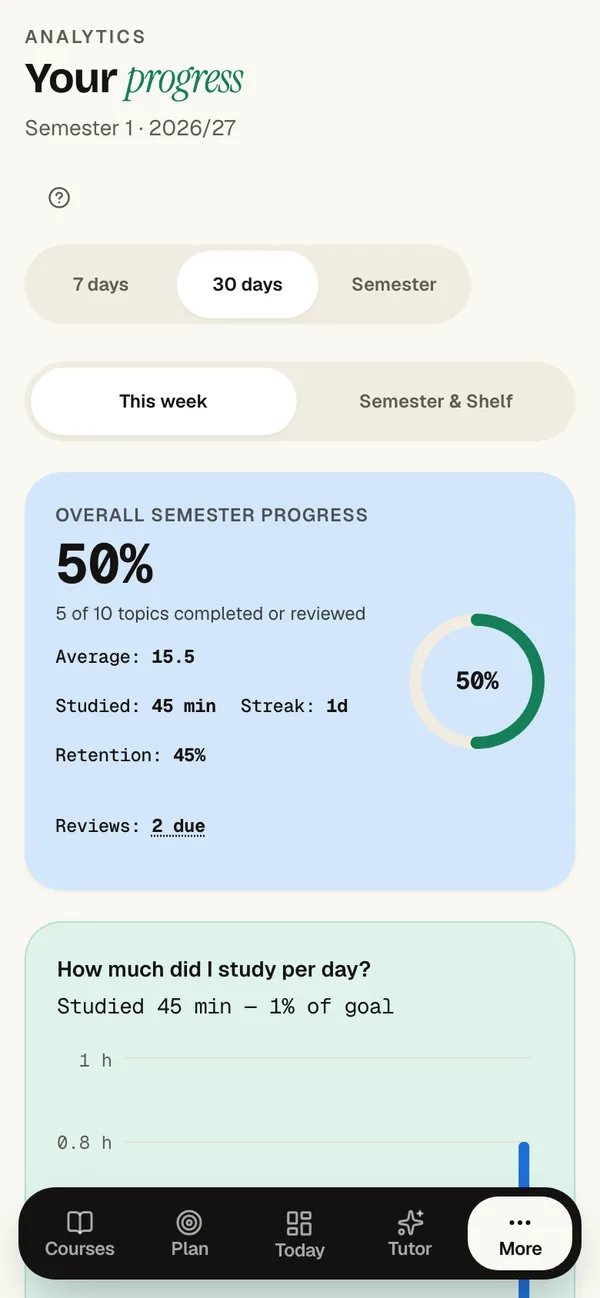
4Progress
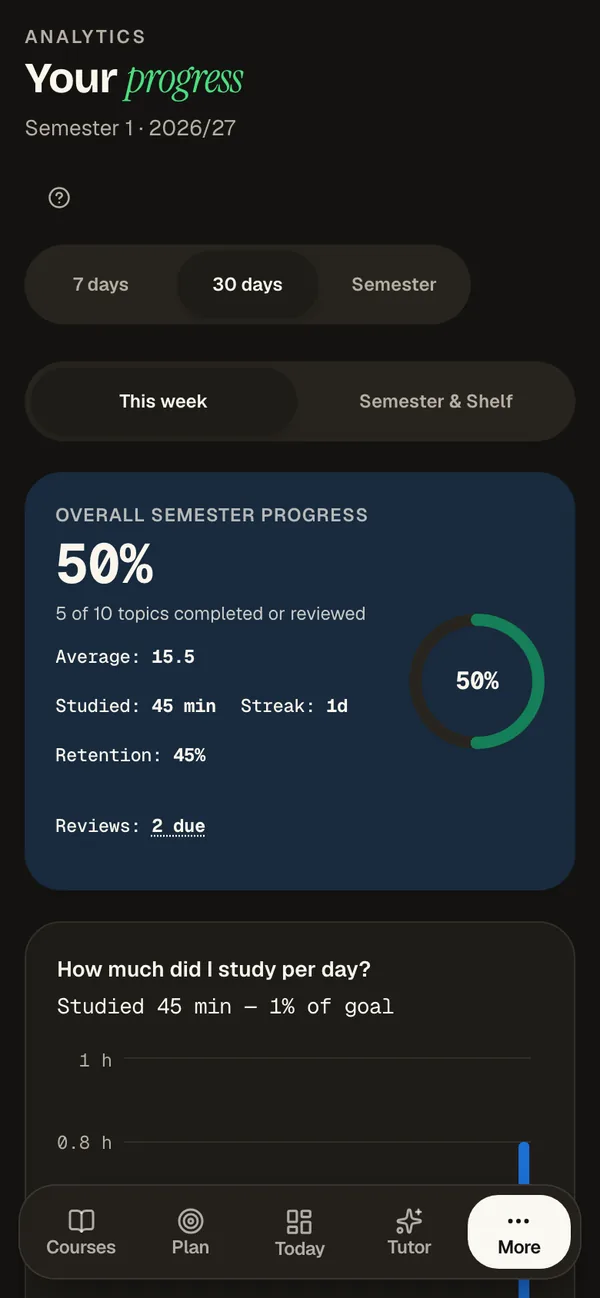
Estimated retention per course, reviews due, consistency and each Uni's real mastery. Estimates are shown as estimates.
Learn more: ProgressThe Unis
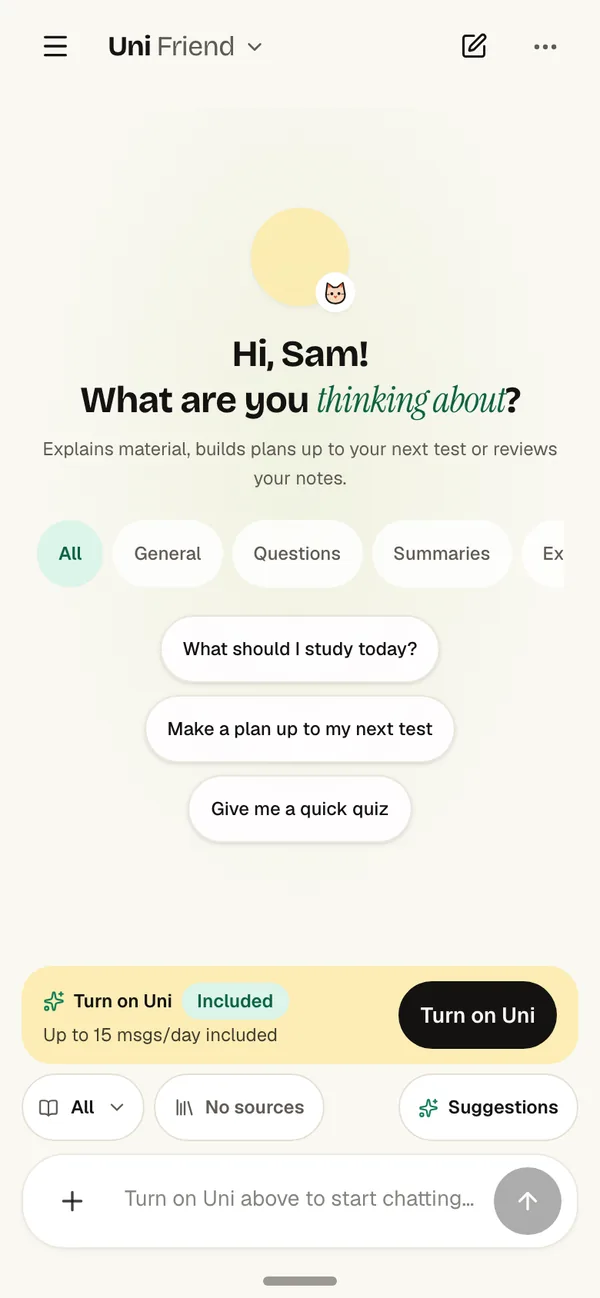
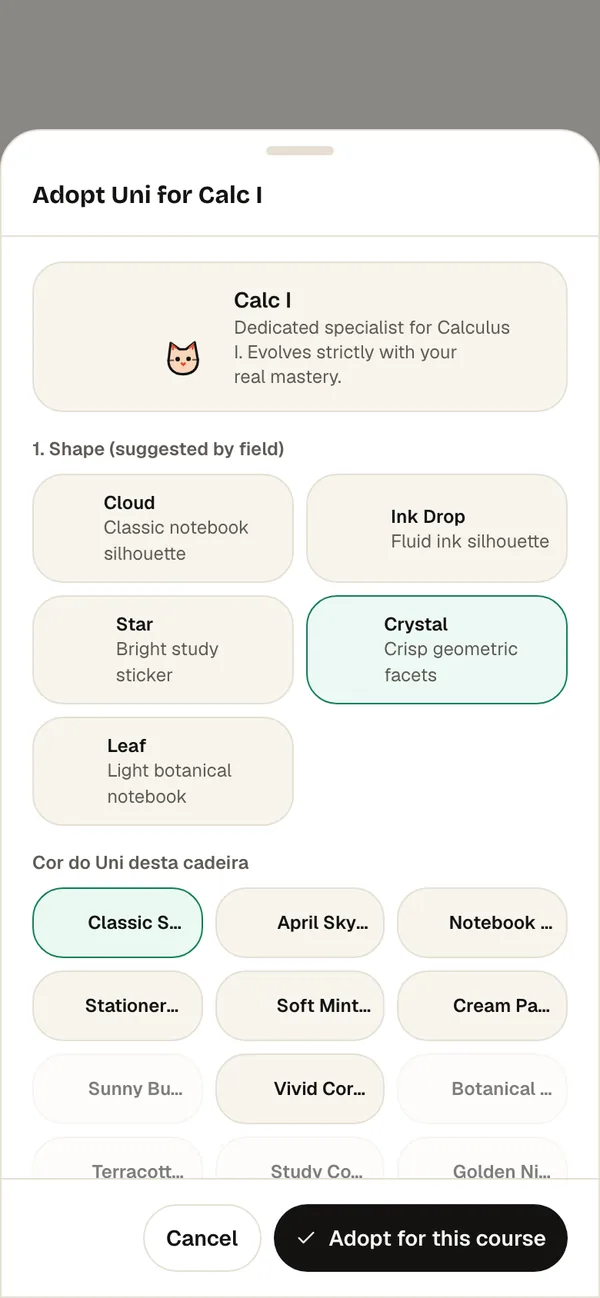
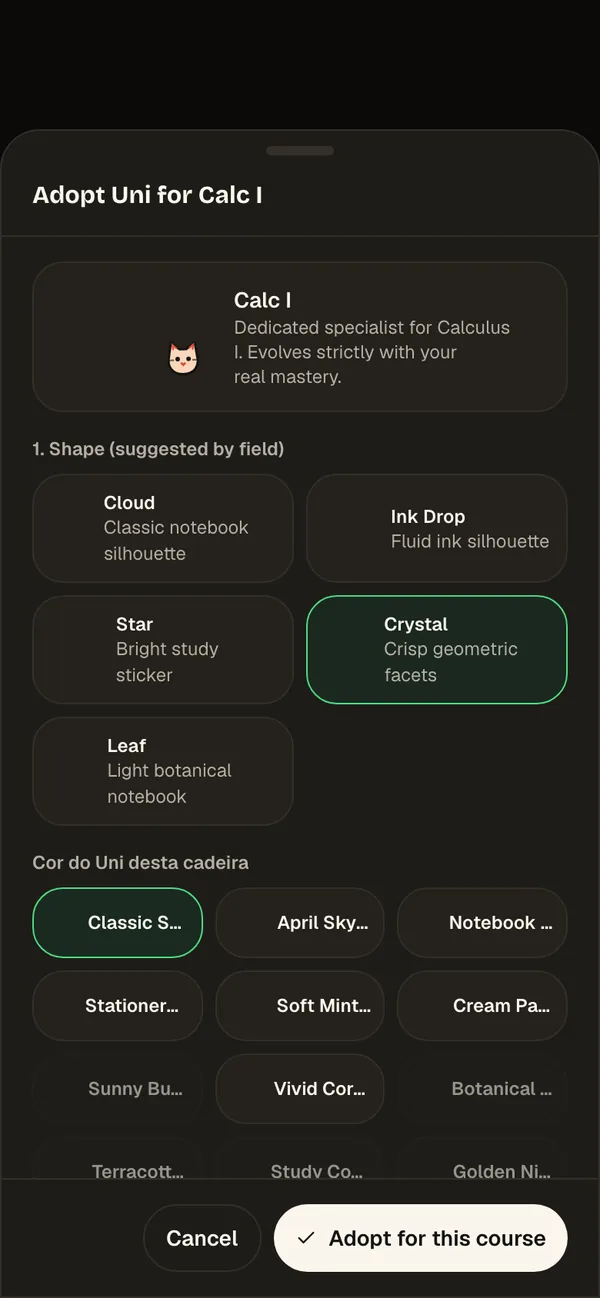
Adopt a Uni for each course: pick its shape, colour and personality. It grows from Egg to Master only through your real mastery of the material, and it's also the tutor that knows your semester.
Egg → Apprentice → Explorer → Specialist → Master
Made for real days
After class
At 6 pm, tired, you don't want to choose between twelve cards. You open the app and there's one block, with the reason underneath.
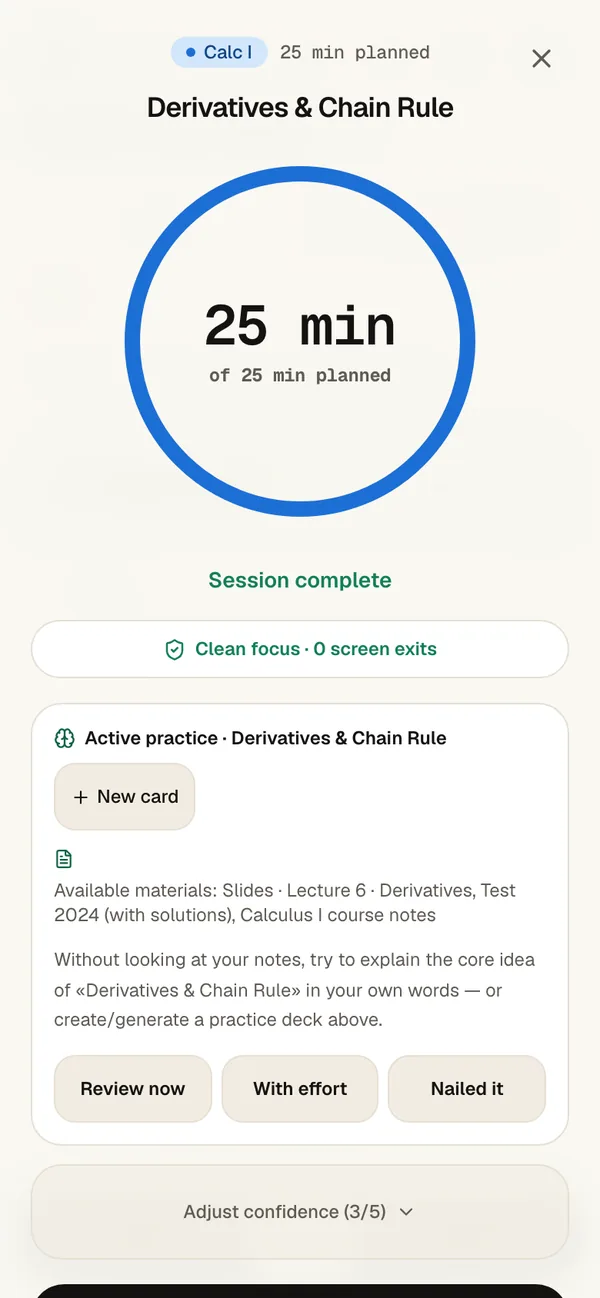
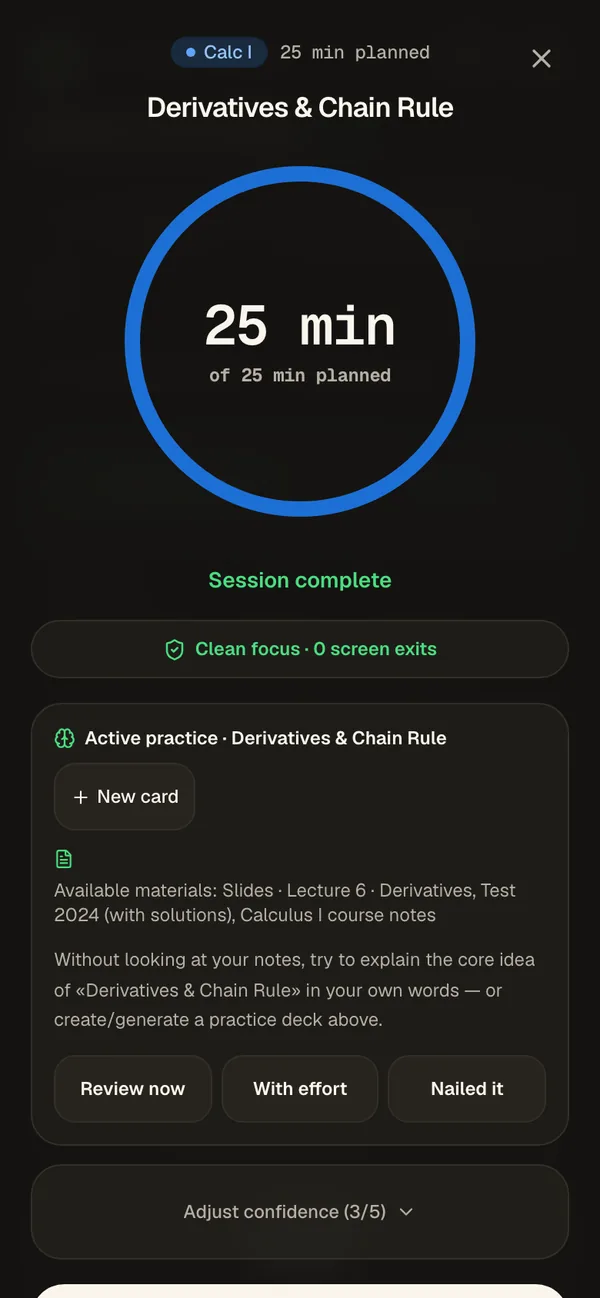
End of the block
When the block ends, the app asks you to explain the core idea without looking at your notes. You say how it went and it asks again on the right day.
On a day that didn't happen
A class dinner, the flu, just tired. The next day the plan quietly reshuffles and tells you what changed. You can undo it.
Twelve minutes on the bus
Not enough for a block, enough for your due reviews. Six cards, including the one you missed yesterday.
What we promise
Every screen has one obvious main action. Everything else is a tap away, not in your face.
Missing a day is normal. No red overdue counters, no streaks lost to the flu.
If the material won't fit before the test, the app says so and suggests what to cut. Uni tells you when something isn't in your materials.
Works without an account and offline. The minimum leaves your phone, and you know what and where.
Questions
For secondary school and university students, studying in English, Portuguese or Spanish.
No. You can use everything on your device. An account lets you back up and sync your notebook across devices.
Yes. It opens in the browser on either one and adapts to the screen.
From the materials you add (PDFs, slides, past papers) and your notes. You can also write cards by hand.
That's fine. The plan redistributes what was left, tells you what changed and you can undo it.
Yes, Uni uses Google AI (Gemini) and only works once you turn it on. The rest of the app doesn't need it.
Open Unipedia, add your courses and let the plan do the work.
Open Unipedia